
CMMS Software to Organize Work Orders and Maximize Asset Availability
One platform for preventive, corrective and predictive maintenance
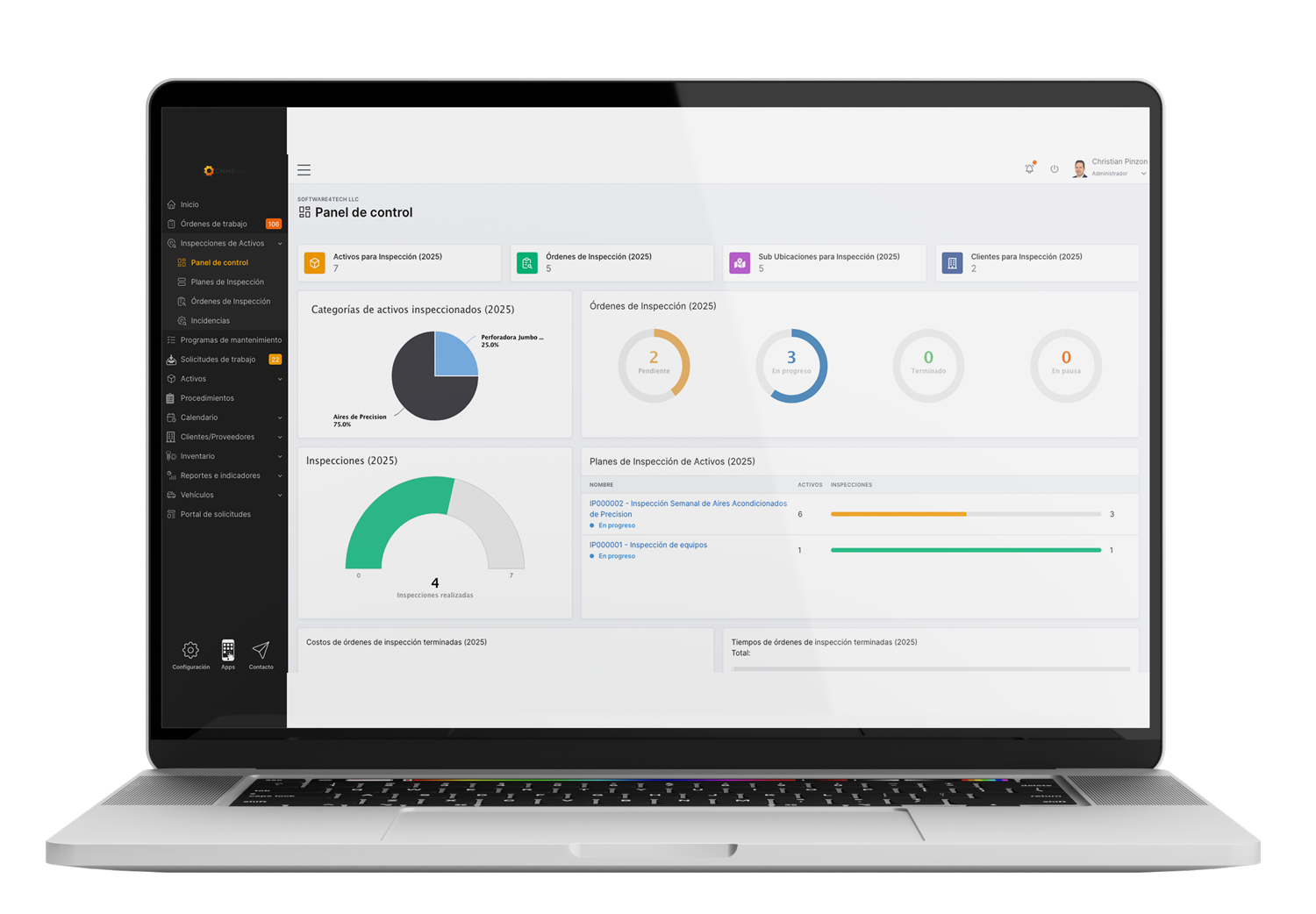
Plan, assign and track every work order, asset and spare part from the office or the field, and get the KPIs you need to cut downtime and control maintenance costs.
Trusted by 10,000+ maintenance teams



From chaos to control
Maintenance Shouldn't Feel Like Firefighting
Most maintenance teams start with spreadsheets and paper forms. It works, until the plant, the fleet or the client list grows.
1. The chaos
Spreadsheets, paper and lost work orders
Work orders get lost, photos sit in scattered folders, equipment arrives for repair with no history and budgets overrun. Your team ends up putting out fires instead of preventing them.
2. The turning point
Everything in one CMMS
With CMMShere, plans, work orders, assets, spare parts and costs live in a single place. Technicians work from the app and managers see the status of every job in real time.
3. Under control
Plan ahead and prove your results
Preventive plans run on schedule, reports are ready when management asks and every decision is backed by data. Less stress, and more time for what really matters.
“I spent almost a decade managing maintenance with Excel and Word. When my manager asked ‘How much did you spend?’, I had to guess. With a tool like CMMShere, I could have answered with confidence.”
Christian, CMMShere team
Daily Operations Under Control
CMMShere organizes the four things every maintenance team does, every day:
Plan and Schedule
Automate preventive plans by date or meter and see every job on one shared calendar.
Execute Anywhere
Technicians close work orders from the app, with photos and signatures, even offline.
Measure and Decide
Track availability, MTBF, MTTR, compliance and costs with ready-made KPIs.
Protect Your Assets
Combine preventive plans with IoT condition monitoring to extend asset life.
Everything Your Maintenance Team Needs in One CMMS
CMMShere brings planning, execution, inventory and reporting together in one computerized maintenance management system, so your team can move from reactive repairs to planned, data-driven maintenance.
Module 01
Work Order Management
Create, assign and close work orders from one interface. Every order keeps its checklist, photos, signatures, times and costs, so nothing gets lost between the office and the field.
✓ Preventive, corrective and request-based work orders
✓ Real-time status, priorities and due dates
✓ PDF reports sent automatically to your clients
Module 02
Preventive and Corrective Maintenance Planning
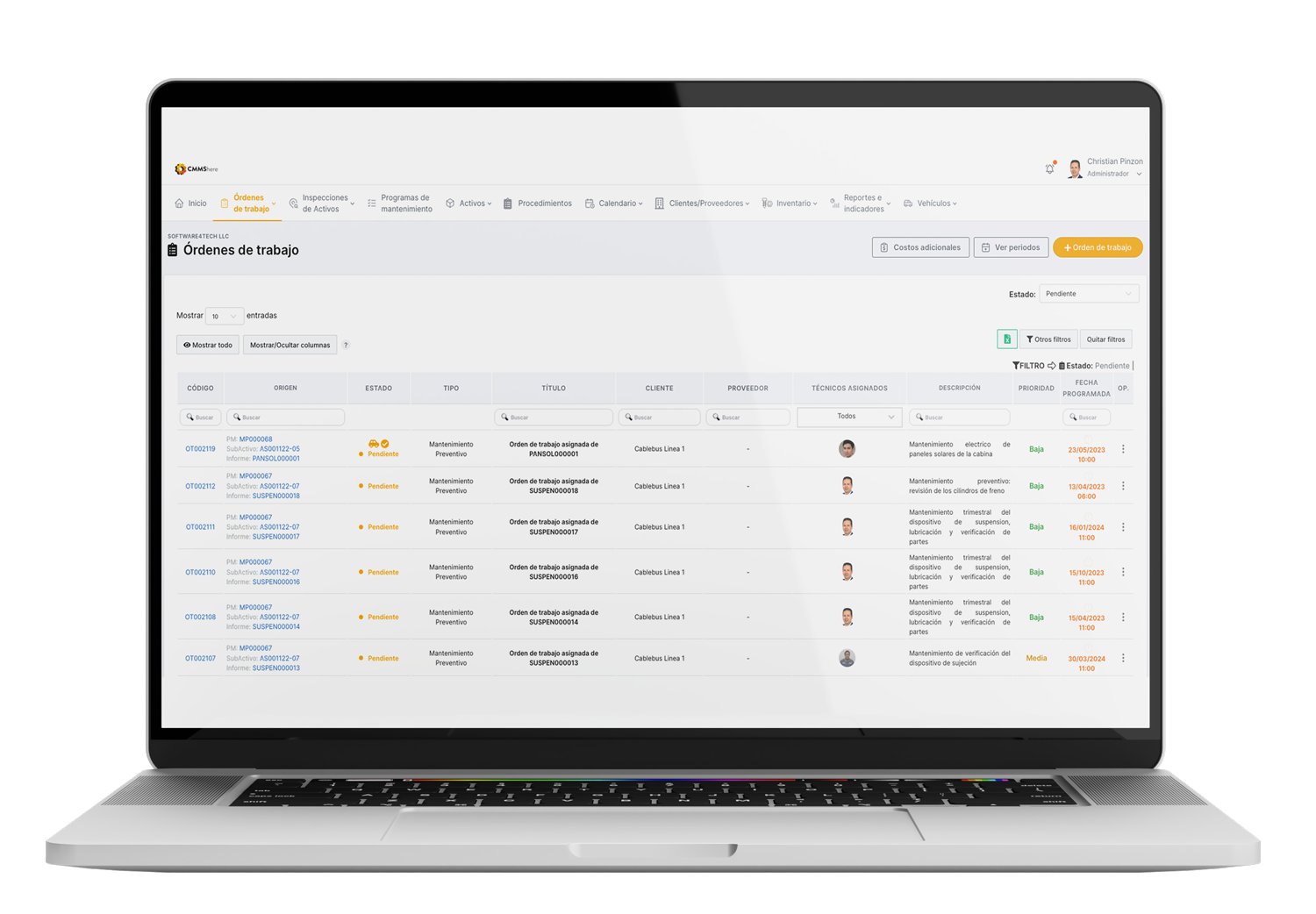
Automate maintenance plans by calendar frequency or meter readings. Build step-by-step procedures so no task is skipped, check labor availability and attach spare parts and tools to each job.
✓ Calendar and meter-based triggers
✓ Dynamic maintenance calendar for the whole team
✓ Standard procedures and digital checklists
Module 03
Asset Management (EAM)
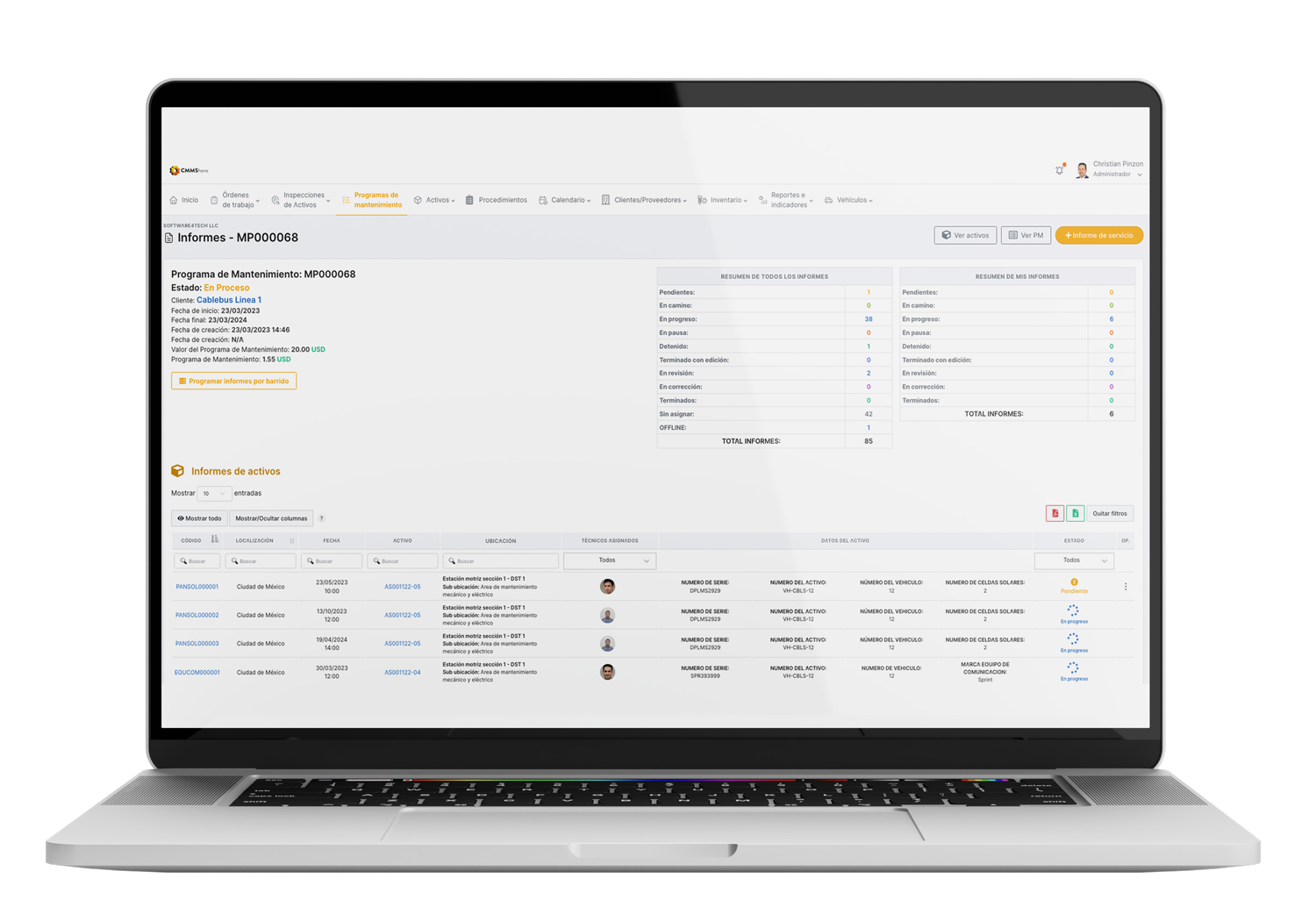
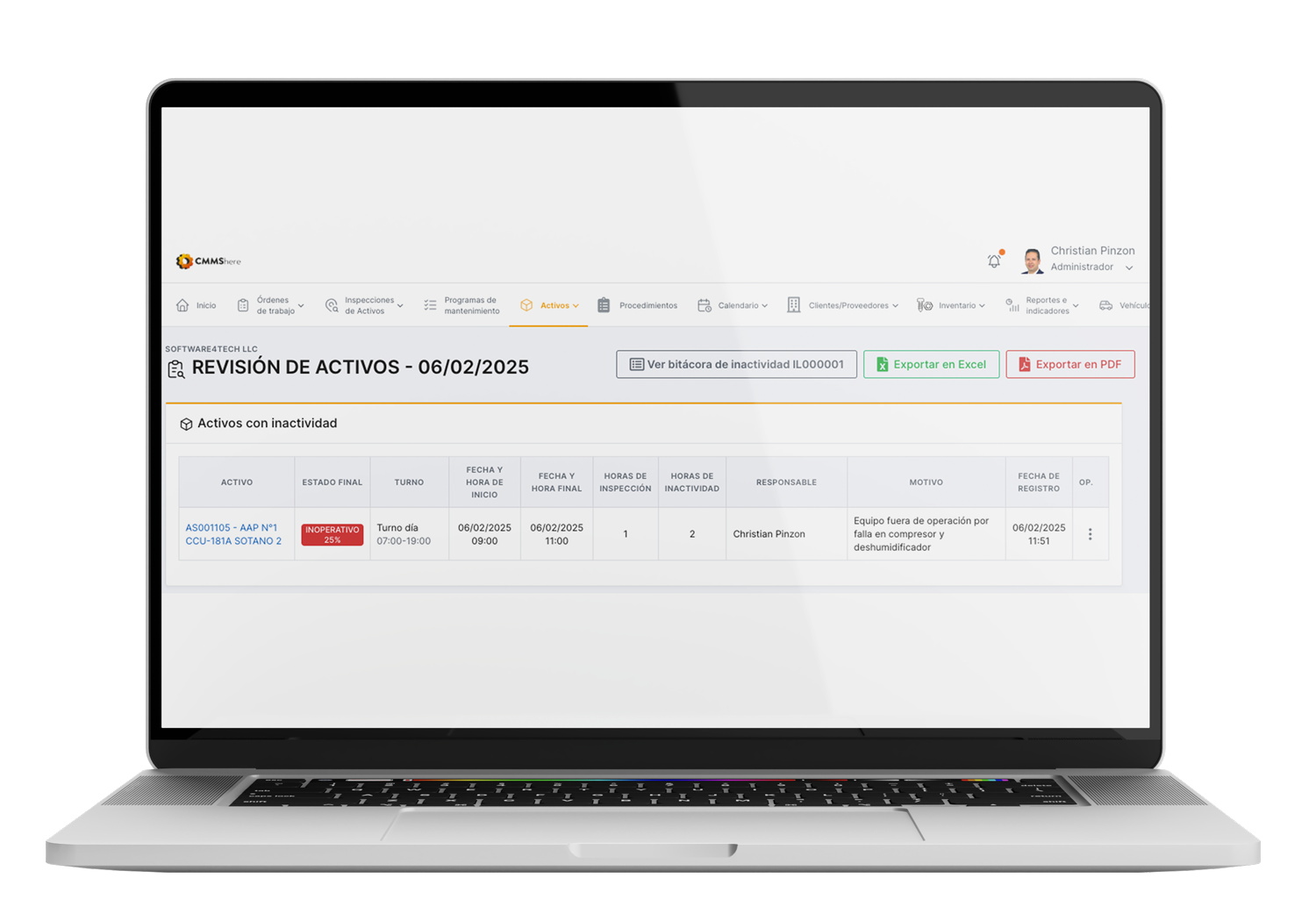
Keep a complete record of every piece of equipment, building or vehicle: technical specs, manuals, warranties, history, failures and costs. Locate assets on interactive floor plans and identify them with QR codes.
✓ Unlimited assets with full maintenance history
✓ QR codes and interactive floor plans
✓ Documents, warranties and manuals in one place
Module 04
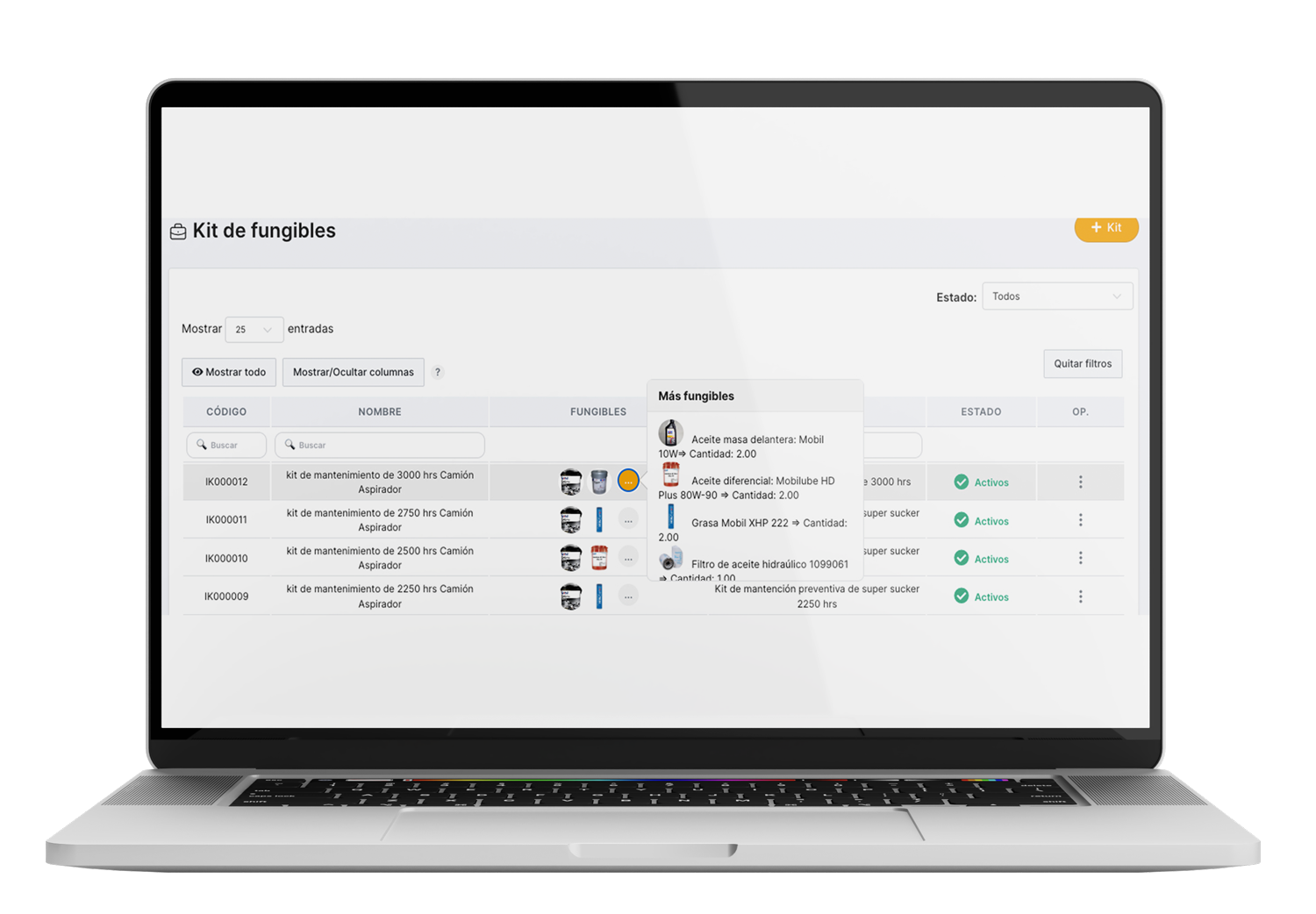
MRO Inventory and Spare Parts
Control spare parts, tools and consumables across your warehouses. Stock is deducted automatically from each work order, and purchase requests are raised before critical items run out.
✓ Stock levels, minimums and reorder alerts
✓ Requisitions and purchase orders
✓ Cost per part, asset and work order
Module 05
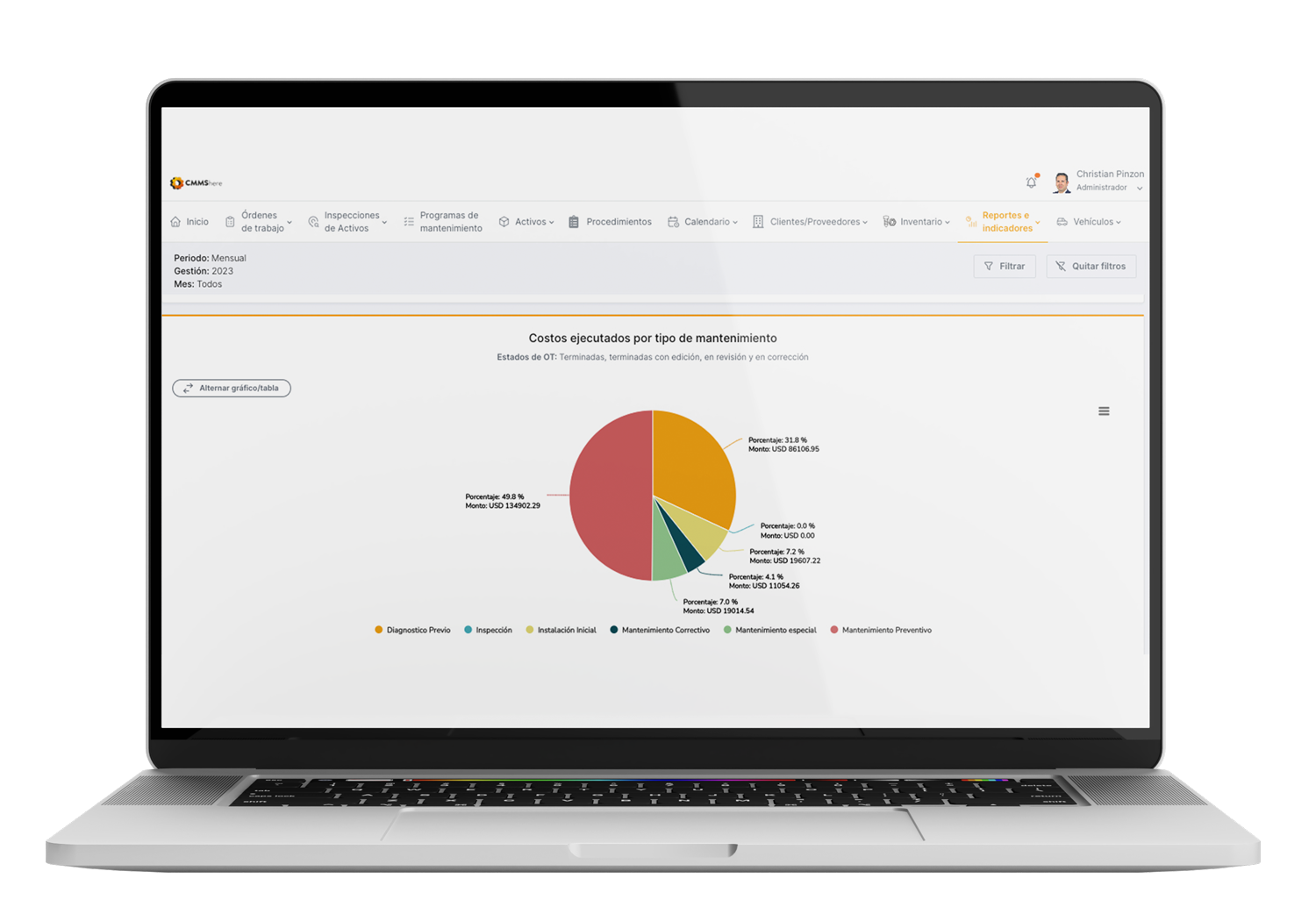
Maintenance Reports and KPIs
Turn your data into decisions with dashboards on availability, MTBF, MTTR, work order compliance, technician workload and maintenance costs. Export any report to PDF or Excel in one click.
✓ Reliability and performance indicators
✓ Costs by maintenance type, area and asset
✓ Custom reports exported to PDF and Excel
Module 06
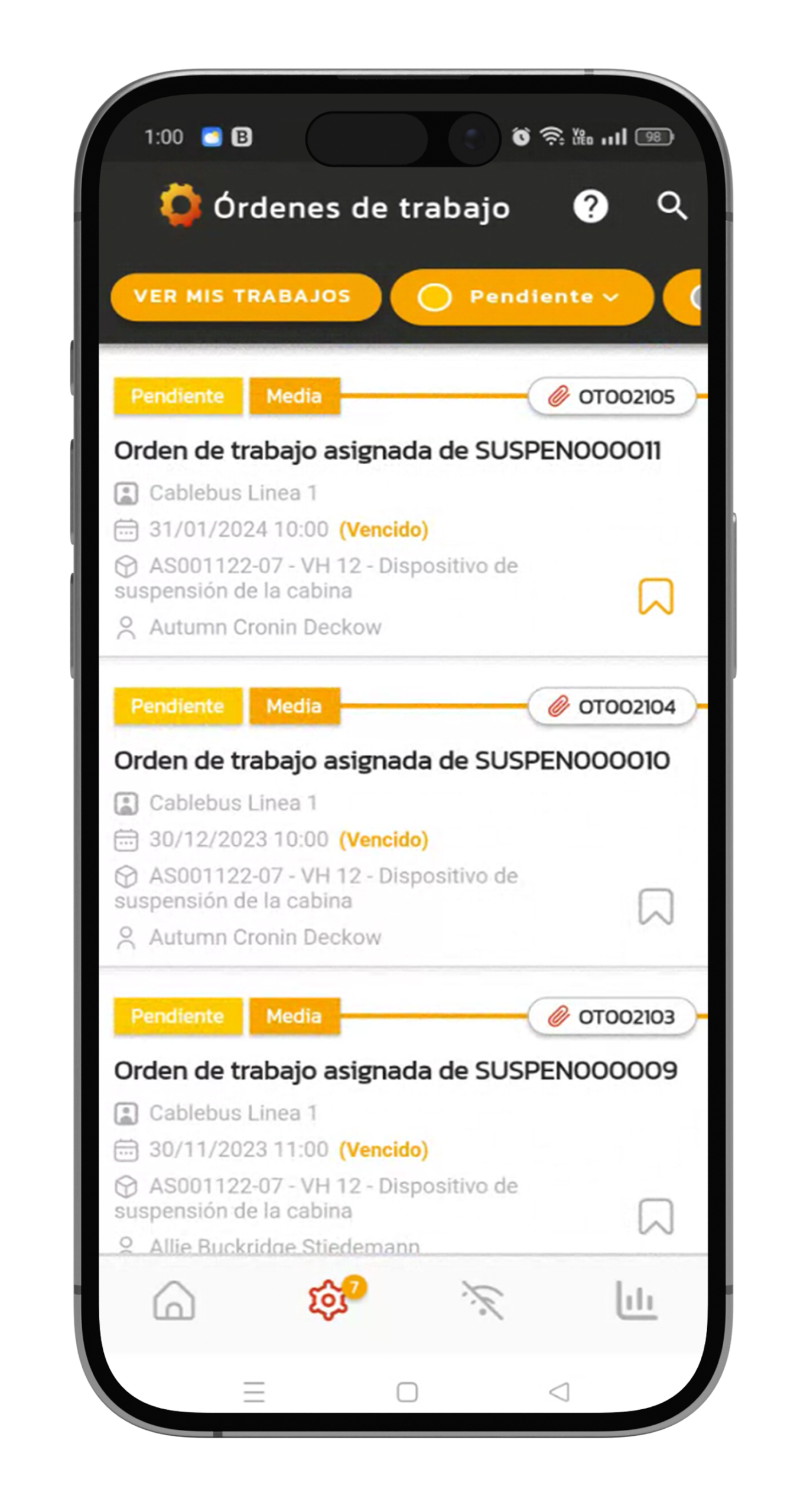
Mobile App, Online or Offline
Technicians receive, execute and close work orders from their phone or tablet, with photos and signatures, even without an internet connection. Data syncs automatically when the signal returns.
✓ Available for iOS, Android and Huawei
✓ Offline mode for remote and underground sites
✓ Push and email notifications for every job
More capabilities included
Predictive Maintenance and IoT
Monitor temperature, vibration, voltage and more with CMMSEdge, and trigger work orders automatically before a failure.
Automatic Notifications
Alerts for new orders, work requests and failures, in the app and by email.
User Roles and Permissions
Give each team member access only to the information and actions they need.
Secure Cloud on AWS
Daily backups on Amazon Web Services, with no servers to install or maintain.
Unlimited Assets
Register every asset in your organization, with no limit on records or history.
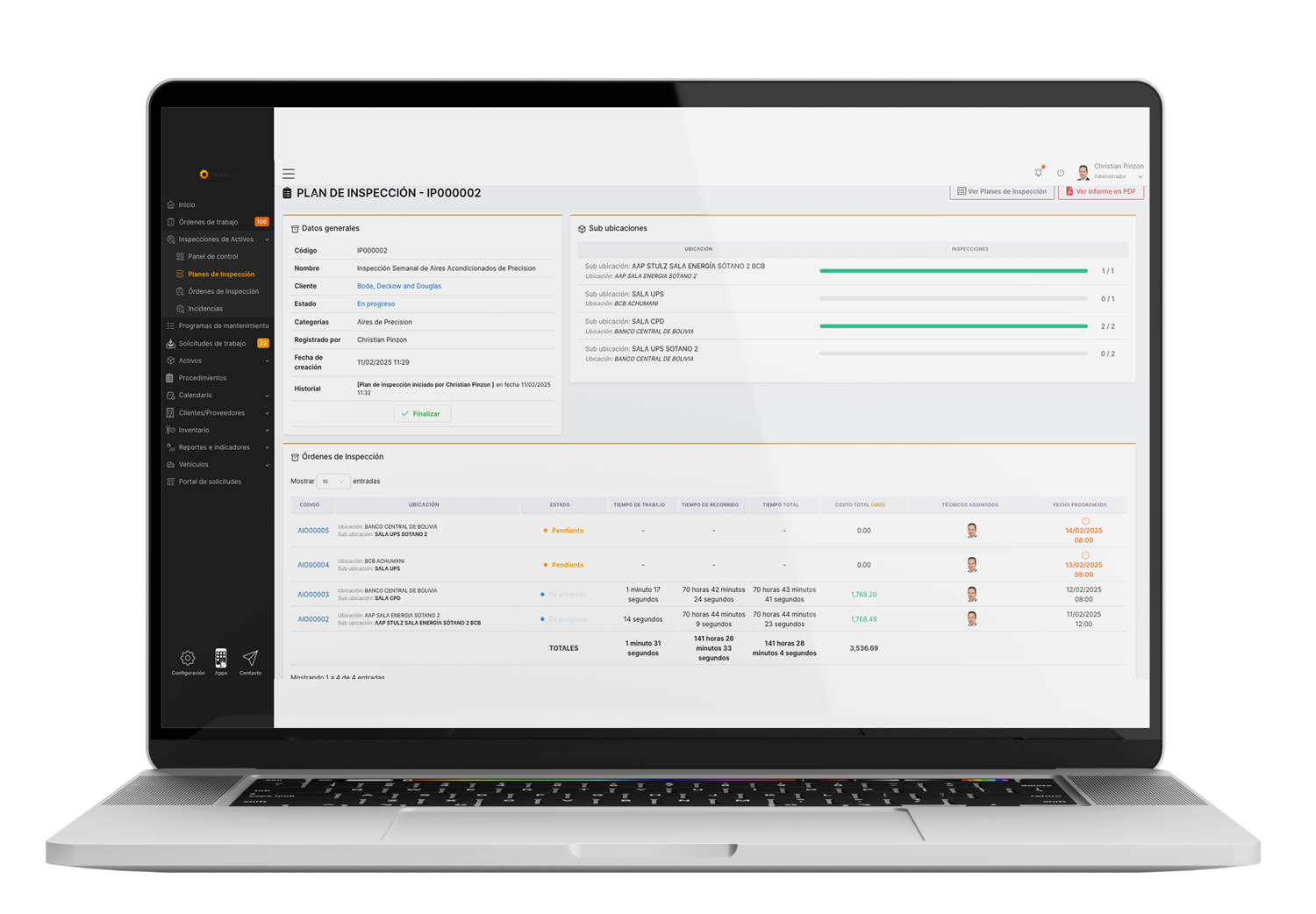
Take a Tour of the CMMShere Platform
See how work orders, assets, inventory and KPIs come together in a few minutes.
Watch the CMMShere product overview.
A CMMS Built for Your Industry
Explore how CMMShere adapts to the assets, regulations and workflows of your sector.

Facilities Management
Manage buildings, campuses and multi-site portfolios: coordinate contractors, inspections and certifications with full traceability from request to report. Explore →

Manufacturing
Increase production line reliability, prevent unscheduled downtime and keep critical spare parts in stock. Explore →

Food and Beverage
Keep processing lines, cold rooms and sanitation plans on schedule and ready for every audit. Explore →

Oil, Gas and Mining
Reduce Non-Productive Time with preventive planning, complete asset histories and mechanical integrity across remote sites. Explore →

Transportation and Logistics
Schedule service by mileage or engine hours, track fuel and repair costs and lower your fleet's total cost of ownership. Explore →

Hospitality
Keep rooms, kitchens, HVAC and pools working behind the scenes, so guests never notice maintenance. Explore →

Healthcare and Biomed
Keep medical equipment safe and compliant, with auditable maintenance records for every device. Explore →

Technical and Field Services
Know where your technicians are and how long each job takes, and send service reports to your clients instantly. Explore →
How You Get Started with CMMShere
1
Demo
Book a free demo
Tell us about your assets, your team and the results you expect, and we'll show you CMMShere working on your use case.
2
Guided Pilot
Test it with your team
Run a guided pilot of eight business days with the team members you choose, using your own assets and work orders.
3
Your Plan
Choose the right licenses
We agree on the number and type of users with you and propose the pricing plan that fits your operation.
4
Go Live
Implementation and support
We agree on an implementation plan and support your team until CMMShere is fully adopted across your operation.
Proven results from teams like yours
Measurable results in computerized maintenance management for teams of every size and industry.
90%
Less downtime on average
1500
Work orders completed per quarter
78%
Increase in production efficiency
What our customers say
Ease of control and backup of activities. It helps to quickly visualize the asset reports, thus generating a control over the equipment and technical personnel, helping in the following steps to verify the previous work that was done.
Herland P.
Support Engineer
★★★★☆
The use of CMMShere has facilitated the way to manage the technical staff in charge of maintenance works, it is also very useful to have the information about all the assets always at hand and in the hands of the technician who performed the maintenance service.
Gisella F.
AC Product Development
★★★★★
CMMS Software FAQ
Answers to the questions maintenance teams ask most before choosing a CMMS.
What is a CMMS, and what is CMMShere?
A CMMS (computerized maintenance management system, also known as GMAO in Spanish) centralizes the planning, scheduling and control of maintenance work and the resources it needs. CMMShere is a cloud CMMS that keeps work orders, assets, inventory and indicators in one interface, so you can reduce costs and prevent unplanned downtime.
Can I use CMMShere on any computer or mobile device?
Yes. CMMShere runs in any modern web browser on a PC or laptop, and the mobile app is available for Android, iOS and Huawei phones and tablets.
Can I use CMMShere without an internet connection?
Yes. In the mobile app, technicians can fill in work orders, checklists and photos offline, and everything syncs automatically when the connection returns. It's ideal for remote, enclosed or hard-to-reach sites.
Is there a limit on the number of assets?
No. CMMShere stores all the assets of your organization without limit, each with its complete record, available from any device at any time.
Can I check the full history of each asset?
Yes. The asset module shows every work order, failure, cost, document, photo and QR code, the asset's location on maps or uploaded floor plans, and its pending and completed tasks.
Can I configure user roles and permissions?
Yes. You define a role for each user, so every team member only sees the information and actions their role allows, on any device.
How do CMMShere notifications work?
CMMShere automatically notifies everyone involved about scheduled orders, work requests and asset failures, in the app and by email. If you provide maintenance services, your clients can also receive reports of the work done at their sites.
Can I monitor critical assets and export the data?
Yes. With CMMSEdge IoT monitoring you can track variables such as temperature, humidity, voltage or vibration, set upper and lower limits, trigger alarms and automatic work orders, and export the readings to spreadsheets.
How is my maintenance data protected?
CMMShere is a SaaS platform hosted on Amazon Web Services, with daily backups and role-based access. You don't need to buy or maintain your own servers.
Do I need technical knowledge, and how can I try it?
No advanced skills are needed: CMMShere is designed for anyone with basic computer knowledge. After a demo, you can run a guided pilot of eight business days with your team to test the modules, workflows, reports and indicators.
CMMS Resources
Guides and real cases from the CMMShere blog

Spreadsheets were a good start, but maintenance is too critical to run on them. See why they hold your team back and what to use instead.
Read more →
High maintenance costs eat into profit and reliability. See how CMMShere helps you track preventive and corrective costs and find where to save.
Read more →
A major Bolivian telecom replaced lead-acid batteries with 266.2 kWh of LiFePO4 storage. See how CMMS Edge IoT monitoring tracks their health.
Read more →